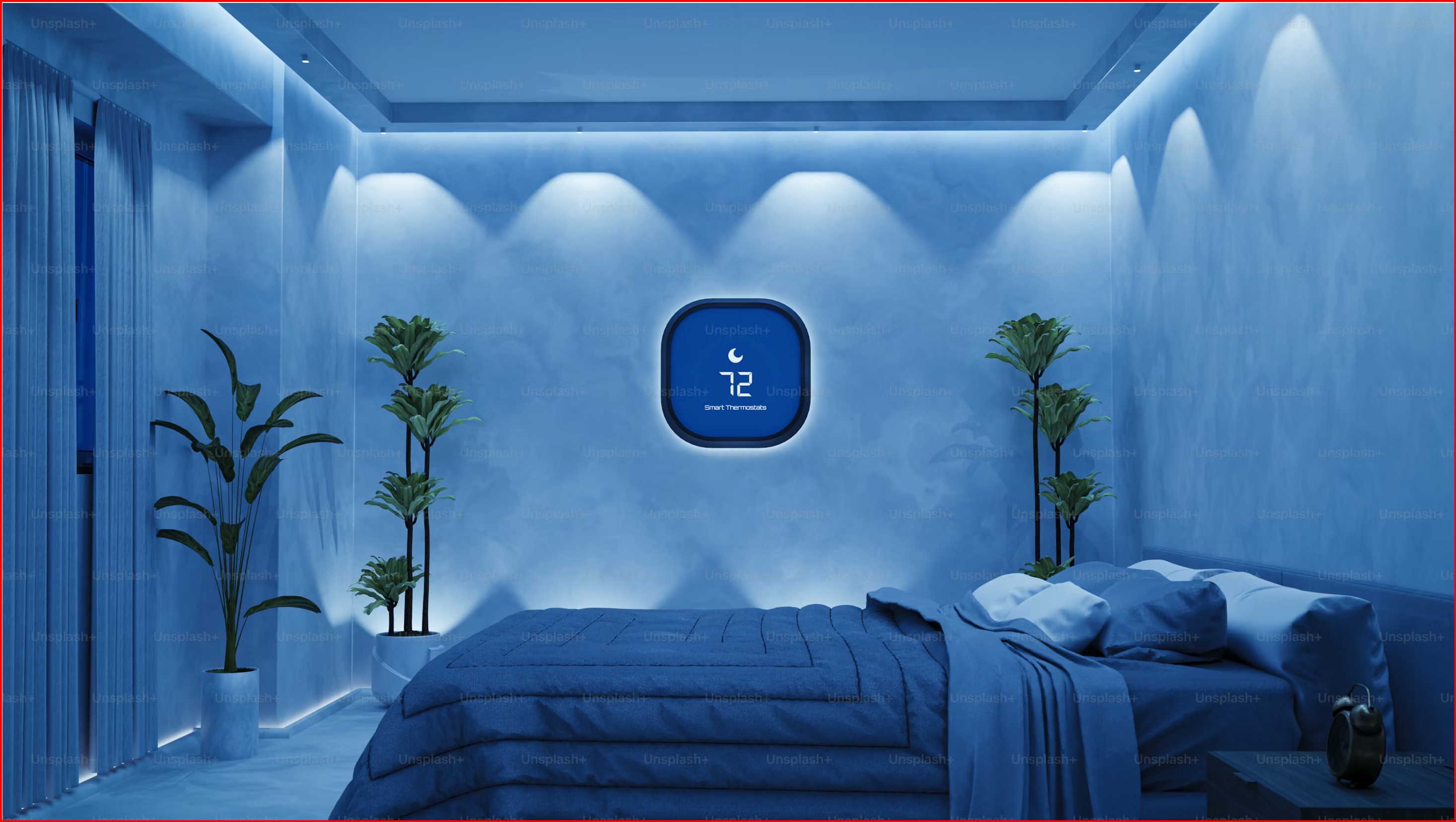
Your body runs on a 24-hour clock. It's called the circadian rhythm, and for most of human history, it was calibrated by the sun: bright blue-white light in the morning, warm amber light in the evening, darkness at night.
Then we moved indoors. We installed overhead fixtures that blast the same harsh, unchanging light whether it's 7 a.m. or 11 p.m. A 2014 Harvard study found that exposure to blue-rich light in the evening — the exact light most homes default to — suppressed melatonin for about twice as long as warm light, effectively inducing self-inflicted jet lag, night after night.
Circadian lighting fixes this. It automates what the sun used to do for free: cool and bright during the day, warm and dim at night. Here's how to build it in your own home — room by room, without overcomplicating it.
Smart Bulbs vs. Smart Switches: Which One Should You Use?
Before buying anything, answer this question: do you want to automate the light source or the light switch?
Smart Bulbs
Smart bulbs — like the Philips Hue White and Color Ambiance (~$60/bulb) — change color temperature and brightness at the bulb level. They're the most flexible option: one bulb can be energizing cool white at 10 a.m., a soft warm glow at 8 p.m., and a dim nightlight at 3 a.m.
Best for: Lamps, accent lighting, and rooms where you don't have ceiling fixtures on dimmers. They're also the right choice if you want full color — for instance, a deep amber or candlelight tone that standard tunable-white fixtures can't reach.
The downside: if someone flips the physical wall switch off, the bulb loses power and goes offline until the switch is flipped back on. This is the single biggest frustration with smart bulb setups.
Smart Switches
Smart switches — like the Lutron Caséta Smart Dimmer (~$60/switch, requires ~$80 Lutron hub) — replace your existing wall switches and control whatever bulbs are connected to them. They solve the "someone flipped the switch" problem permanently. The switch always works, and so does the automation.
But standard smart switches don't change color temperature. They dim. If your bulbs are fixed at 3000K, that's all you get — dim 3000K, but still 3000K. You need tunable-white bulbs and a smart controller that supports them to get full circadian range from a switch setup.
Our recommendation: Use smart bulbs in lamps and accent lights, and smart switches for main ceiling fixtures — ideally with tunable-white bulbs in the ceiling fixtures too. Start with one room (the bedroom) and expand from there.
Step 1: Start in the Bedroom — It Matters Most
Your bedroom is where circadian lighting has the biggest impact, because it's where you start and end every day. You need two things here: a gentle morning wake-up signal, and a gradual evening wind-down cue.
Morning: Sunrise Simulation
The Hatch Restore 2 (~$170) is purpose-built for this. It sits on your nightstand and simulates a 30-minute sunrise: starting with a faint warm glow that gradually brightens to a cool, daylight-like white. By the time your alarm goes off (with gentle nature sounds rather than a blaring beep), your body has already begun reducing melatonin and increasing cortisol — the natural wake-up chemistry that an abrupt dark-to-bright alarm clock short-circuits.
If you want to build sunrise simulation into your room's overhead lighting instead (or in addition), the Philips Hue Starter Kit (~$180 for 3 bulbs + Bridge) can do the same thing: use the "Wake Up" automation in the Hue app to gradually brighten your ceiling lights from 1% warm to 100% cool white over 30 minutes. The effect is more immersive than a single nightstand lamp.
Evening: Gradual Warm-Down
Set a "Go to Sleep" automation that runs over 60 minutes: your lights slowly shift from ~4000K to ~2200K and dim from 100% to about 20%. Philips Hue's "Natural Light" scene handles this automatically once you set your wake-up time. Nanoleaf and Govee have equivalent scene options.
For the nightly trigger, we recommend a physical control rather than a phone. The Flic 2 Smart Button (~$30) is perfect: stick one on your nightstand, press it once, and your entire bedroom shifts into wind-down mode — lights warm and dim, air purifier switches to sleep mode, white noise starts. It's a physical ritual rather than screen time right before bed.
Step 2: Extend to Living Spaces
Once the bedroom is dialed in, bring circadian lighting to the rooms where you spend your evenings.
Floor lamps are the easiest entry point. The Govee RGBIC Lyra Floor Lamp (~$130) is a sleek, minimalist floor lamp with addressable color zones that paint gradient light across your wall. Pre-loaded "sunset" and "aurora" scenes make it simple. Place one in a corner of your living room, set it to fade warm in the evening, and the entire room's mood shifts without touching a ceiling fixture.
For ceiling lights, Nanoleaf Elements Hexagons (~$230 for a 7-panel Smarter Kit) do double duty as wall art and ambient light. The wood-look finish and soft diffusion create a biophilic warmth that standard bulbs can't match. They connect via Thread and Matter, so they respond instantly and work with Apple HomeKit, Google Home, and Alexa simultaneously — rare in the smart lighting world.
Step 3: Scheduling — Make It Automatic
The whole point of circadian lighting is that you shouldn't think about it. Here's a sample schedule that works well for most people:
- 6:30 a.m. — 4000K → 5000K, 1% → 100% over 30 min: Wake up, daylight
- 8:00 a.m. — 5000K, 100%: Peak alertness
- 12:00 p.m. — 5000K, 100%: Maintain energy
- 6:00 p.m. — 3500K, 70%: Begin wind-down
- 8:00 p.m. — 2700K, 40%: Evening calm
- 9:30 p.m. — 2200K, 20%: Pre-sleep signal
- 10:00 p.m. — Off (or 1% warm nightlight): Sleep
This isn't rigid — shift it earlier or later to match your actual sleep schedule. The principle is what matters: cool and bright during the day, progressively warmer and dimmer as bedtime approaches.
Most smart lighting apps let you set this up in under 10 minutes. Philips Hue's "Natural Light" formula does it automatically once you tell it your wake-up time. The Eve app (for Thread/Matter devices) and the Govee app offer similar circadian scheduling.
Step 4: Add Automation Triggers (Without Touching Your Phone)
Circadian lighting works best when it responds to physical cues, not app taps. Here are three automation ideas that make the system feel invisible:
- Motion-activated night lighting. Place an Eve Motion Sensor (~$40) in your hallway or bathroom. After 10 p.m., motion triggers a dim, warm nightlight — enough to see by, not enough to wake you fully. Thread connectivity means it responds instantly with no cloud lag.
- Curtain automation. The SwitchBot Curtain 3 (~$90) retrofits onto existing curtain rods and opens/closes on schedule. Pair it with your lighting: curtains open as your sunrise simulation begins, or close at sunset when lights shift warm. The combination of natural and artificial light working together is far more powerful than either alone.
- Goodnight button. As mentioned above, a Flic 2 by the bedside triggers your full wind-down routine with one press. But you can also place one by the front door or on the kitchen counter for "leaving home" — all lights off, air purifier to auto, thermostat to eco mode.
A Note on Color Temperature and Your Eyes
Color temperature is measured in Kelvin (K). Here's what the numbers actually mean for your body:
- 5000K–6500K (Cool/Daylight): Blue-rich light. Suppresses melatonin. You want this in the morning and midday.
- 3500K–4000K (Neutral White): Balanced. Good for transitional periods — late afternoon, early evening.
- 2200K–3000K (Warm White): Amber-toned. Allows melatonin to flow. This is your evening and pre-bed range.
- Below 2000K (Candlelight/Amber): Very warm, very dim. For middle-of-the-night navigation without disrupting sleep. Most smart bulbs won't go this low — Philips Hue and Nanoleaf do.
What This Costs (Real Numbers)
A complete circadian lighting setup for one bedroom, with sunrise simulation and evening wind-down:
- Philips Hue Starter Kit (3 bulbs + Bridge) — ~$180
- Hatch Restore 2 (sunrise alarm) — ~$170
- Flic 2 Smart Button — ~$30
- Bedroom total — ~$380
Add a living room expansion:
- Govee Lyra Floor Lamp — ~$130
- Nanoleaf Elements (7 panels) — ~$230
- Eve Motion Sensor — ~$40
- SwitchBot Curtain 3 — ~$90
- Living room total — ~$490
Full-home circadian lighting lands somewhere between $400 (bedroom only, Hue + Hatch) and $900+ (bedroom + living room, all the trimmings). Start small, live with it for a month, then expand to the rooms where you spend your evenings.
The Bottom Line
Circadian lighting isn't about adding technology to your home. It's about giving your body back the light signals it evolved with — automated so you don't have to think about them. Spend a week with lights that gradually cool and brighten in the morning and warm and dim at night, and the old setup — a single switch, one harsh Kelvin, all day — will feel like flying against your own biology.
Start tonight: put one smart bulb in your bedside lamp, set it to 2700K at 50% brightness by 9 p.m., and notice whether you feel sleepier, sooner. You probably will.
Sources: Harvard Health Publishing — "Blue light has a dark side" (health.harvard.edu); Chang et al., "Evening use of light-emitting eReaders negatively affects sleep, circadian timing, and next-morning alertness," PNAS (2014); National Sleep Foundation sleep environment recommendations (sleepfoundation.org).